Import emails from your inbox
Save a message as an EML file from Gmail, Outlook, Apple Mail, or another email client and import it directly into Figma.
 ScreenshotEmails
 Email to Figma
Import HTML and EML emails as editable Figma designs. Save an email from Gmail, Outlook, Apple Mail, or another inbox and bring the actual email into Figma — no original source HTML required.
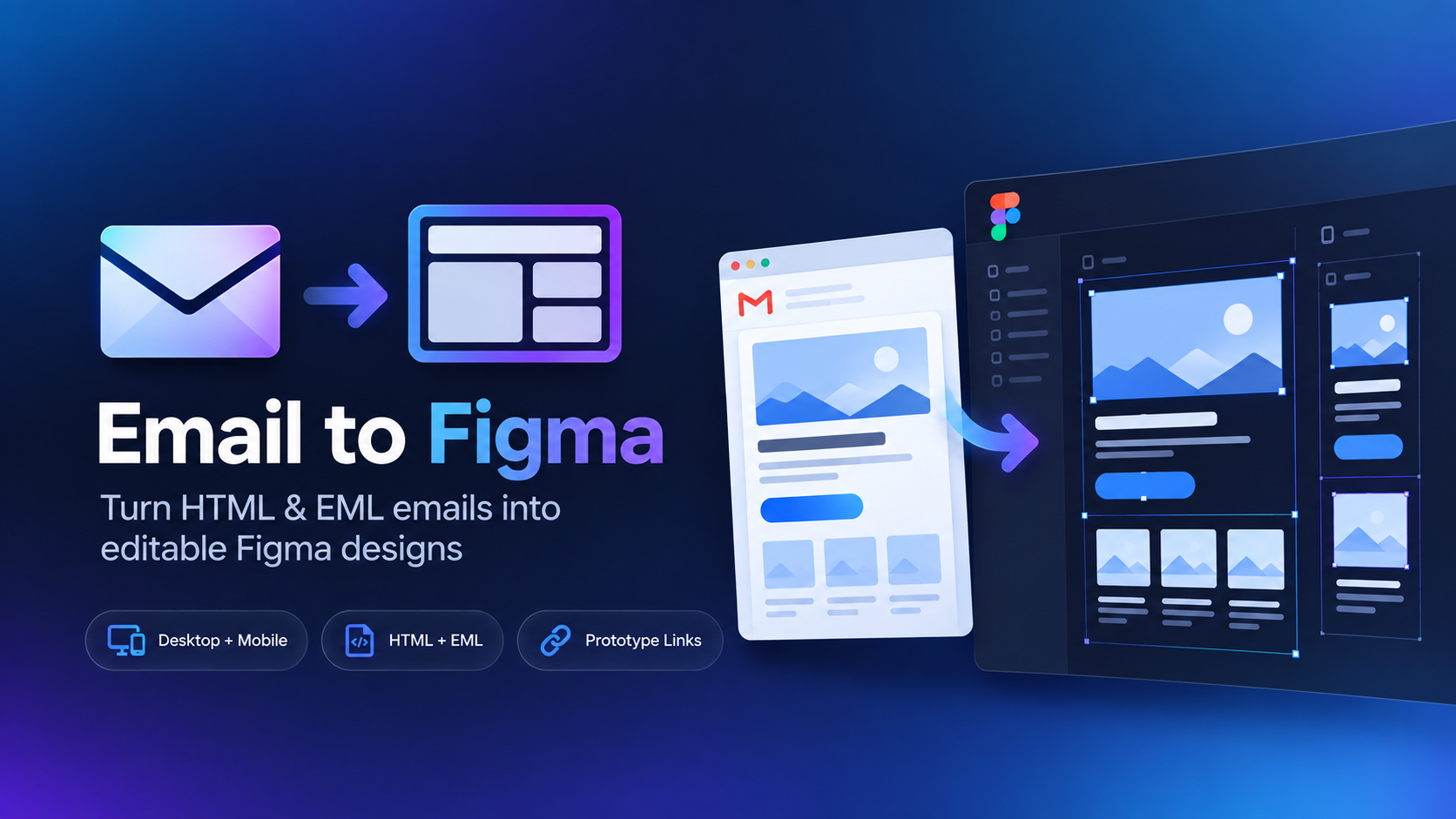
Generic HTML importers can create deeply nested, messy designs. Email to Figma is focused on email layouts, making imported designs easier to inspect, edit, reference, and rebuild.
Save a message as an EML file from Gmail, Outlook, Apple Mail, or another email client and import it directly into Figma.
Use the format you already have. Upload an HTML email file or an EML file exported from your inbox.
Imported emails become editable layers so you can annotate, redesign, inspect spacing, or use an email as creative inspiration.
You do not need access to the campaign's original code. If the email reached your inbox, you can save it as an EML file and use that as the source.
Email HTML behaves differently from normal web pages. The plugin is built around those constraints instead of treating an email like a generic website.
Use Email to Figma for campaign reviews, inspiration libraries, redesigns, competitive research, and email design workflows.