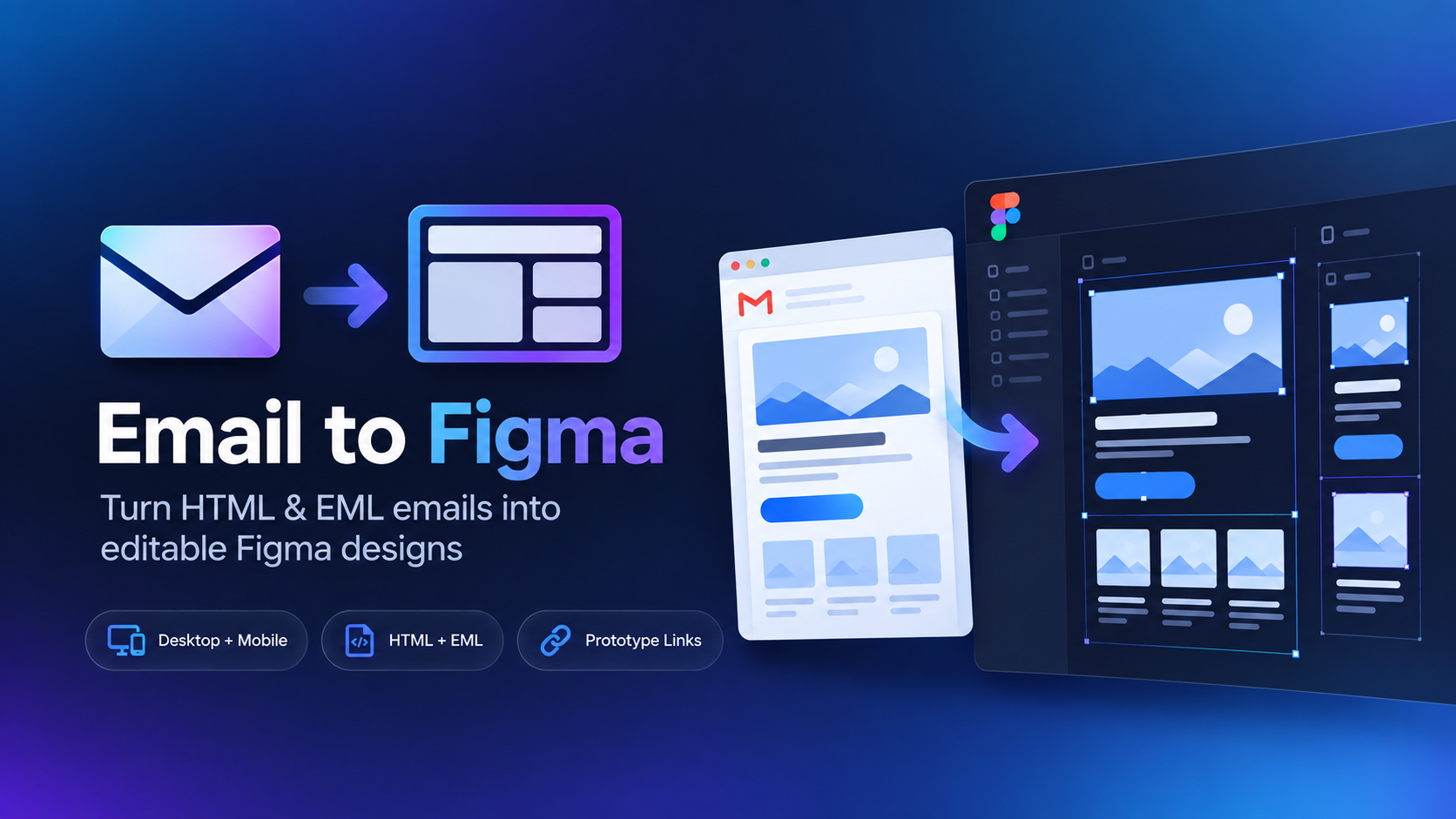

Import HTML email into Figma.
Turn exported email code into an editable Figma design. Upload your HTML email file and recreate the campaign without manually rebuilding every section.

Save or export your campaign as an .html file, open Email to Figma, and upload it. The plugin renders the email and recreates the design as editable Figma content.
Why email HTML needs special handling
Marketing email HTML is often built with nested tables, inline CSS, spacer elements, fixed widths, and client-specific workarounds. Those patterns are very different from a modern webpage.
That is why an email-focused importer can be a better fit than a generic HTML-to-design workflow when the source is a campaign rather than a website.
When HTML is the best source
Use HTML when you already own or can export the campaign source. It is especially convenient for internal marketing teams, agencies, and developers who already have the exact email file available.
If the email only exists in your inbox, use EML to Figma instead—you do not need to hunt down the original HTML.
Related guides
Turn email HTML into an editable Figma design.
Import campaign HTML with a plugin built specifically around email layouts.