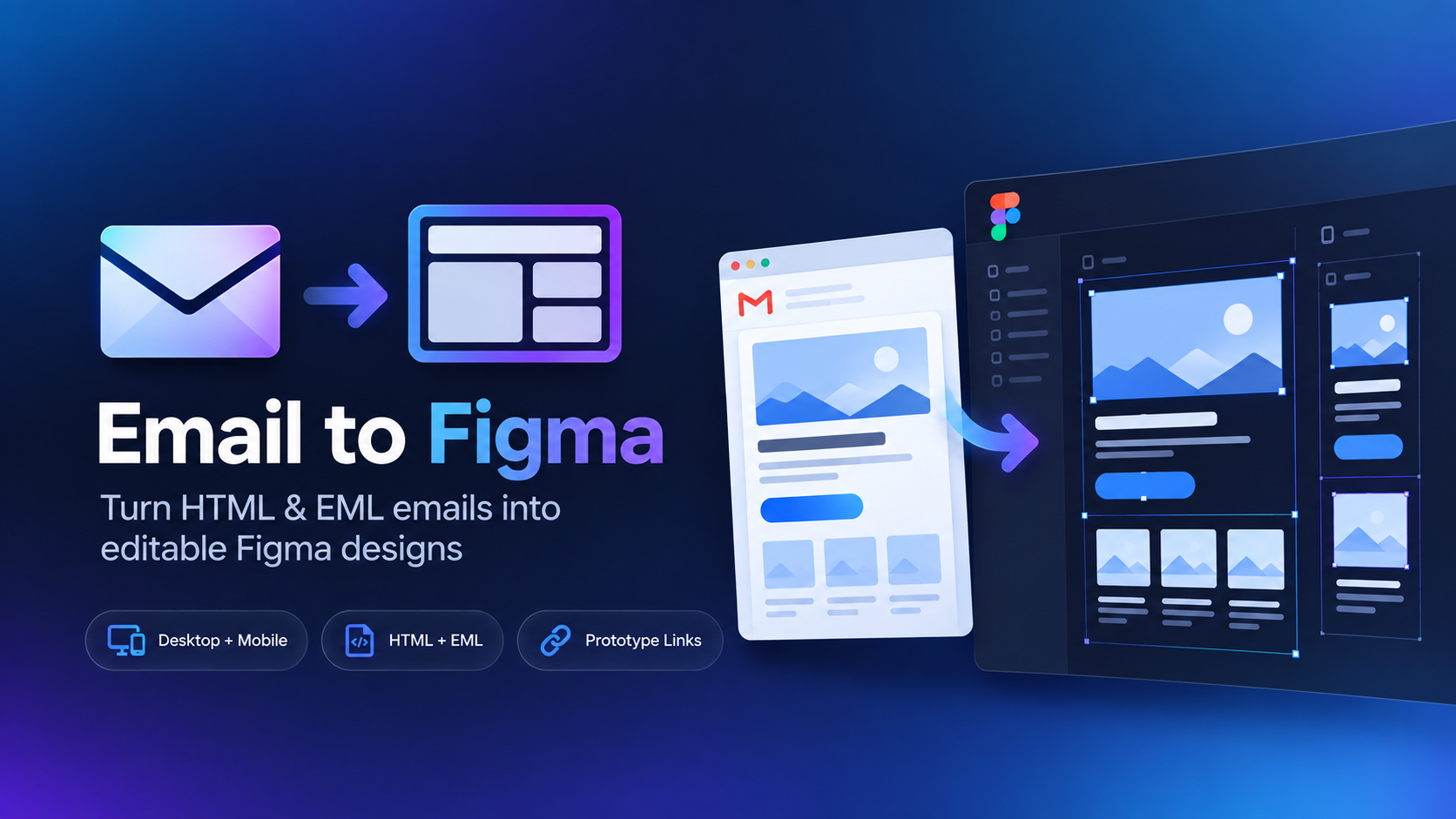
How to import EML into Figma
1
Save the email as EMLMost modern email clients can download or save a message as .eml.
2
Open Email to FigmaLaunch the plugin in the Figma file where you want the email recreated.
3
Upload the EML fileThe plugin reads the message and recreates the rendered email as Figma content.
4
Edit and organizeUse the imported email for redesigns, references, annotations, or email design-system work.
EML is ideal for inbox emails.If you received an email from another brand, an old campaign, or a vendor, you often will not have the original HTML. EML gives you a direct path from the received message to Figma.
What is an EML file?
An EML file is a saved email message. It can contain message headers, sender and recipient information, the email body, formatting, and references to content used by the message.
That makes it much more useful than a flat screenshot when your goal is to reconstruct the email as editable design content.
Where can you get EML files?
Gmail
Open a message, use the More menu, and choose Download message.
Outlook
New Outlook and Outlook on the web can save messages as EML in supported flows.
Apple Mail
Messages can be saved or exported as raw message files that use the EML format.
Other clients
Thunderbird and many other email applications can save individual messages as EML.
Need provider-specific instructions? See How to Save an EML File.

 EML to Figma