ScreenshotEmailsScreenshotEmails
Gmail to Figma

Import a Gmail email into Figma.

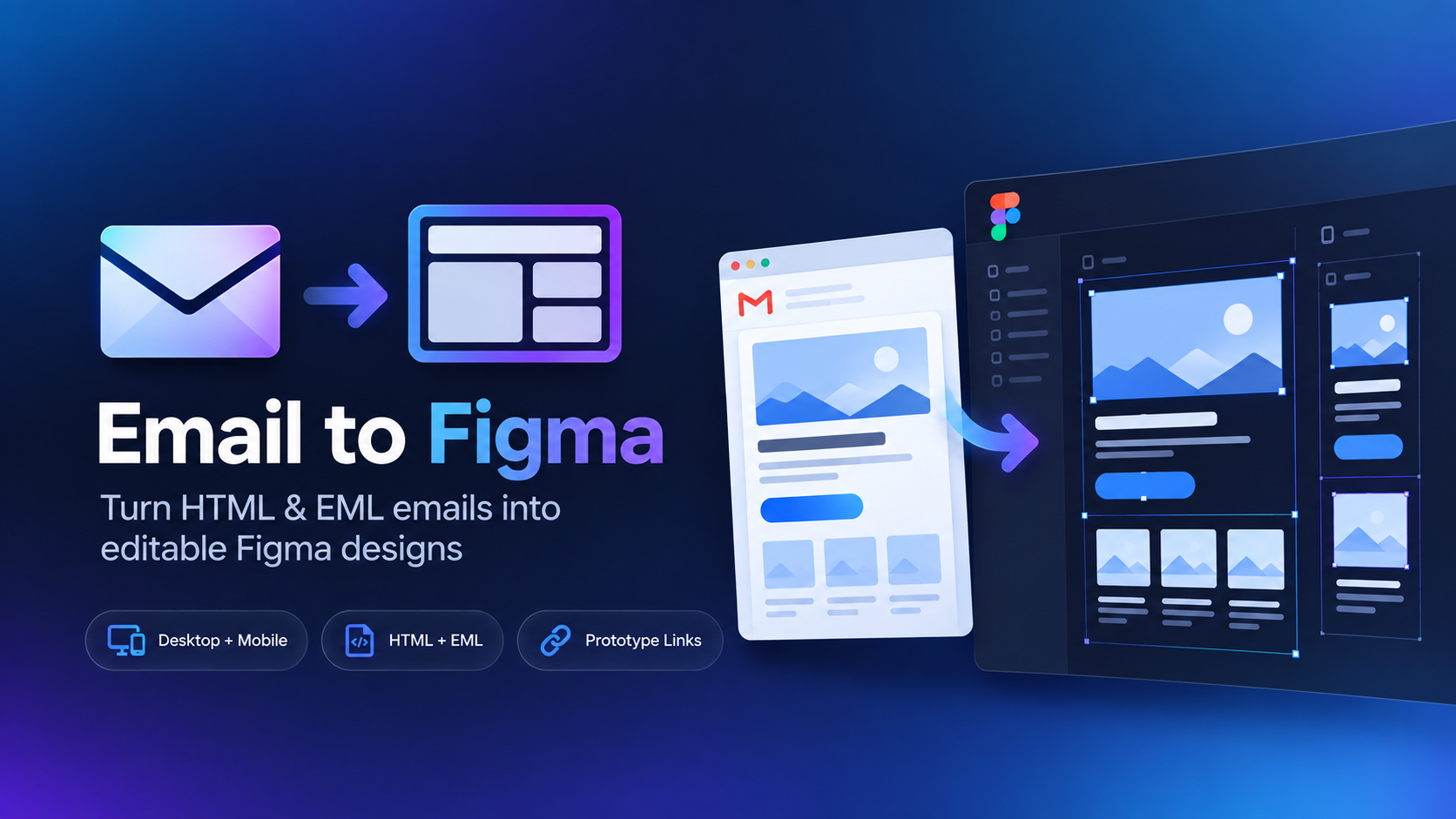
Gmail already gives you the file you need. Download any message as an EML file, upload it to Email to Figma, and turn the received email into editable Figma layers.

Gmail email imported into Figma
Download EML
Upload to plugin
Edit in Figma
Quick answer

Open the message in Gmail, click the three-dot More menu, choose Download message, and Gmail will save an .eml file. Upload that file with Email to Figma to recreate the email as editable layers.

How to import a Gmail message into Figma

1
Open the specific email in GmailUse the individual message view, not just the inbox preview.
2
Download the message as EMLOpen Gmail's three-dot More menu for the message and choose Download message. Keep the .eml extension.
3
Open Email to FigmaLaunch the plugin in the Figma file where you want the imported email to appear.
4
Upload the Gmail EML fileThe plugin renders the saved message and recreates it as editable Figma content.
This works even when you don't own the campaign.

Because Gmail's EML file represents the received message, this workflow is useful for competitive research, inspiration emails, old campaigns, and anything else already sitting in your inbox.

Why EML is better than copying or screenshotting

A screenshot is useful for reference, but it is still a flat image. Copying pieces out of Gmail also loses the original layout. An EML file preserves the underlying received email data so Email to Figma can interpret the email itself rather than just its pixels.

If you only need an image instead of an editable design, ScreenshotEmails can also turn saved EML messages into full-length screenshots. For design work, though, importing the message into Figma gives you far more flexibility.

Great uses for Gmail โ†’ Figma

Most useful when the email you care about already exists in your inbox.

๐Ÿ•ต๏ธ

Competitor emails

Save competitor campaigns you've received and organize them as editable references.

๐Ÿ“š

Swipe files

Build an inspiration library your team can annotate directly in Figma.

๐Ÿ› ๏ธ

Redesign exercises

Bring the existing email into Figma and explore a new layout without rebuilding the base from scratch.

Related guides

Bring the emails in your Gmail inbox into Figma.

Download the message as EML, then turn it into an editable design with Email to Figma.