
 Klaviyo email to Figma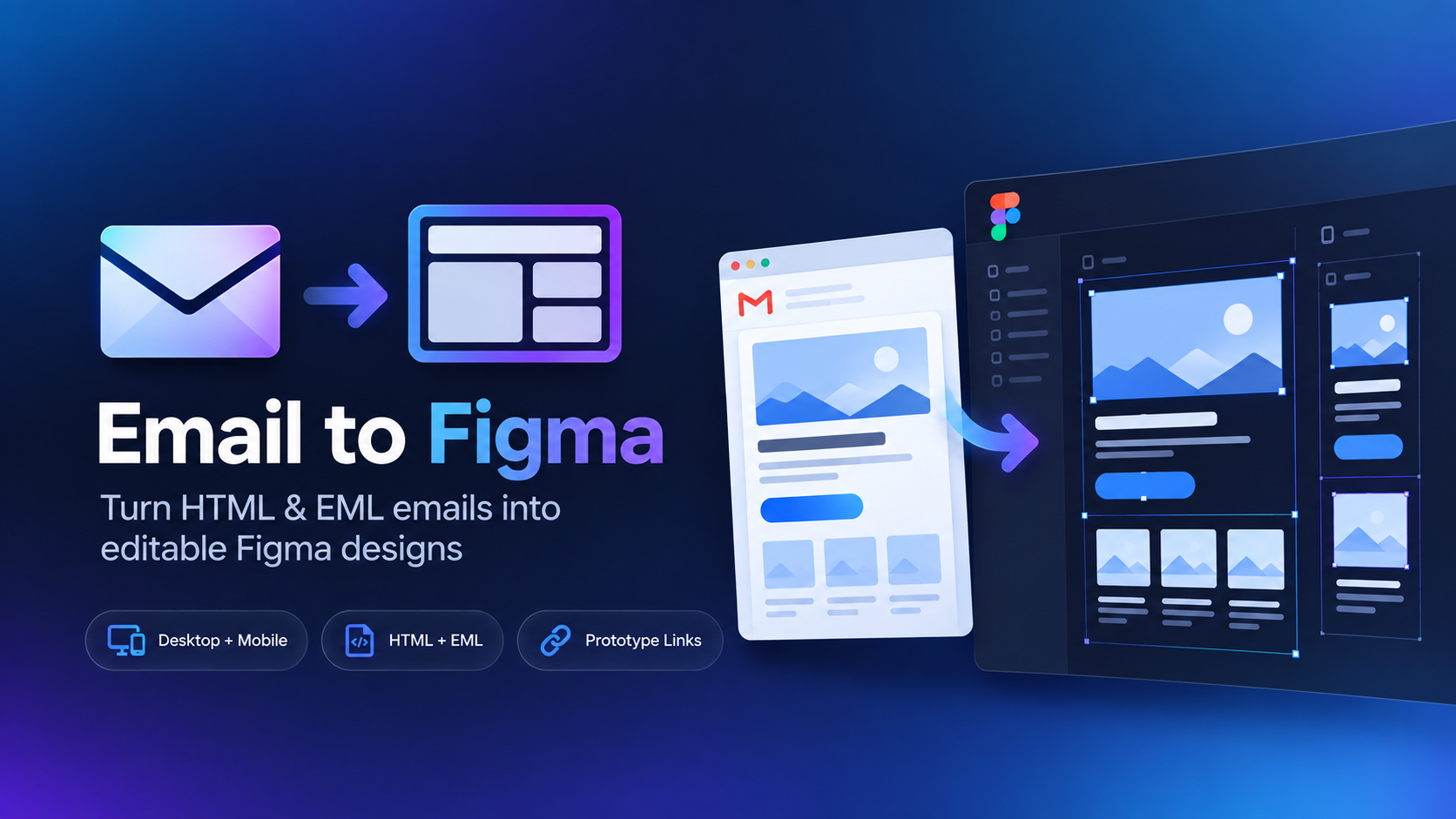
How to move a Klaviyo email into Figma
Using Klaviyo campaign HTML
When you're working with your own campaign and have access to the email source, save the email as a complete HTML file and upload it to the plugin.
1
Save or export the campaign HTMLCreate a complete .html file from the email source you have access to.
2
Open Email to FigmaLaunch the plugin inside your destination Figma file.
3
Upload the fileThe email is rendered and recreated as Figma content you can work with.
Using a delivered Klaviyo email
If the campaign is already in your inbox, save that message as EML. This is particularly useful for competitor emails, past campaigns, and inspiration where you don't control the Klaviyo account.
No campaign access required.
The EML route lets you work from the email that was actually delivered, rather than needing access to the Klaviyo template or account that sent it.